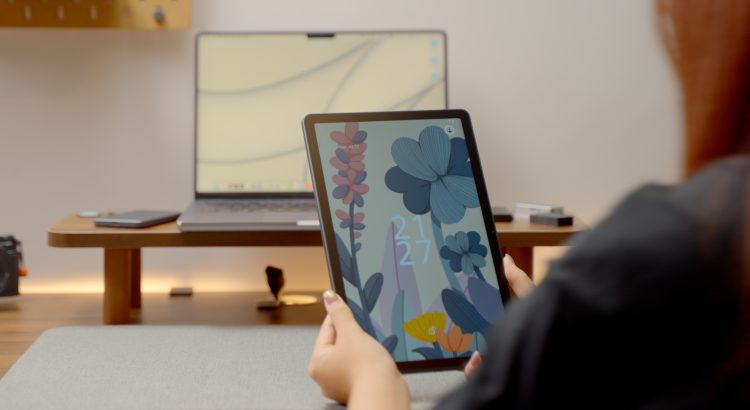
If you told me a few years ago that a sleek Android tablet would become one of my go-to tools for painting on the go, I’d have probably rolled my eyes and reached for my laptop. But here we are. The Huion Kamvas Slate 11 is a surprisingly capable, portable drawing tablet that runs Android 14—and it just might be the travel companion every digital artist didn’t know they needed.
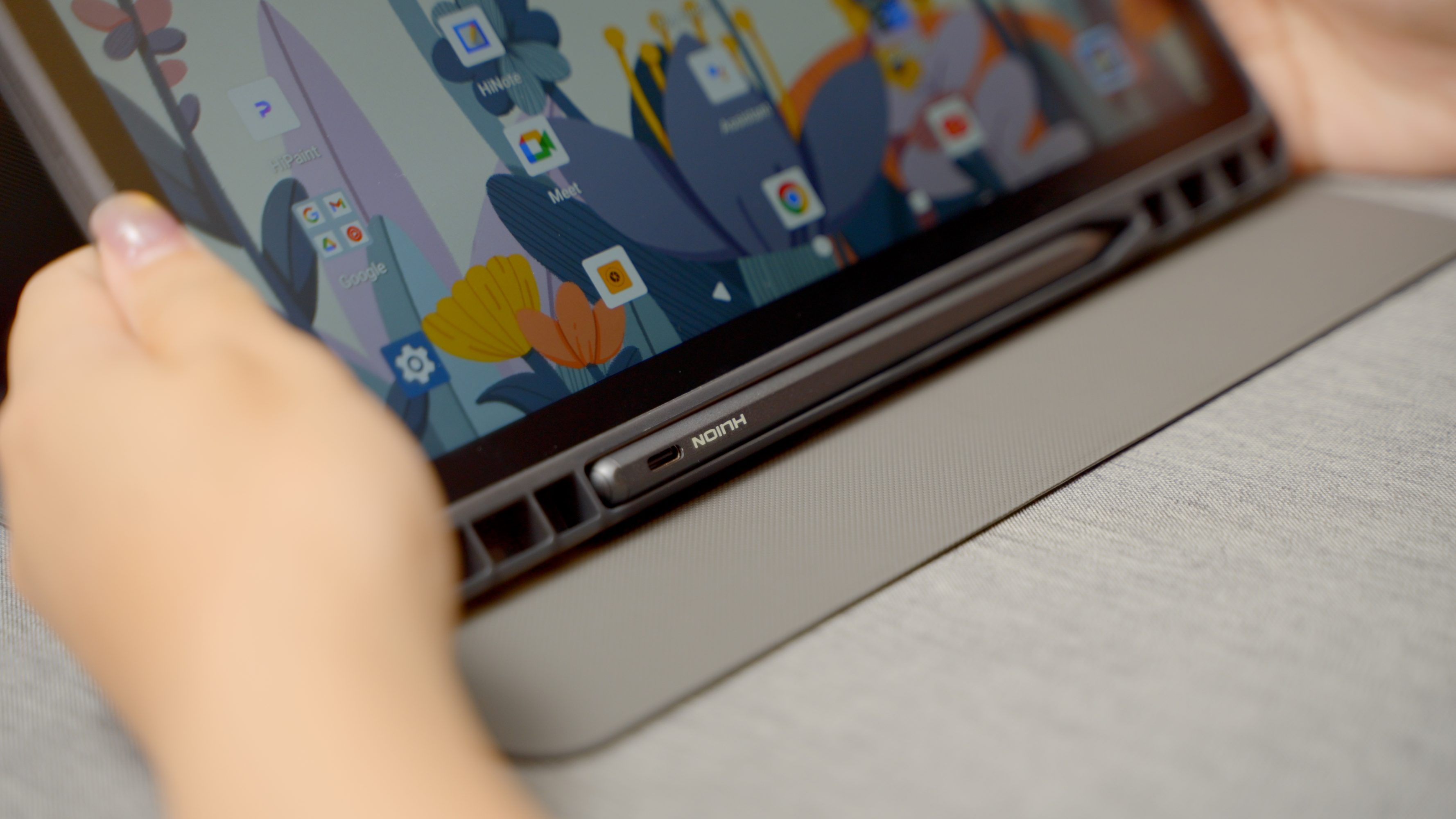
Let’s get the specs out of the way: 10.95-inch FHD+ display, 90Hz refresh rate, 8GB RAM, 128GB storage (expandable, thankfully), and a solid 8000mAh battery. The pen—dubbed the H-Pencil—is pressure-sensitive (4096 levels), tilt-aware, and mostly delightful to use.
But this isn’t just a spec sheet with a screen. It’s a digital sketchbook you can throw in a backpack and take to the park, the café, or that weirdly inspiring corner of your kitchen.
Drawing in the Wild
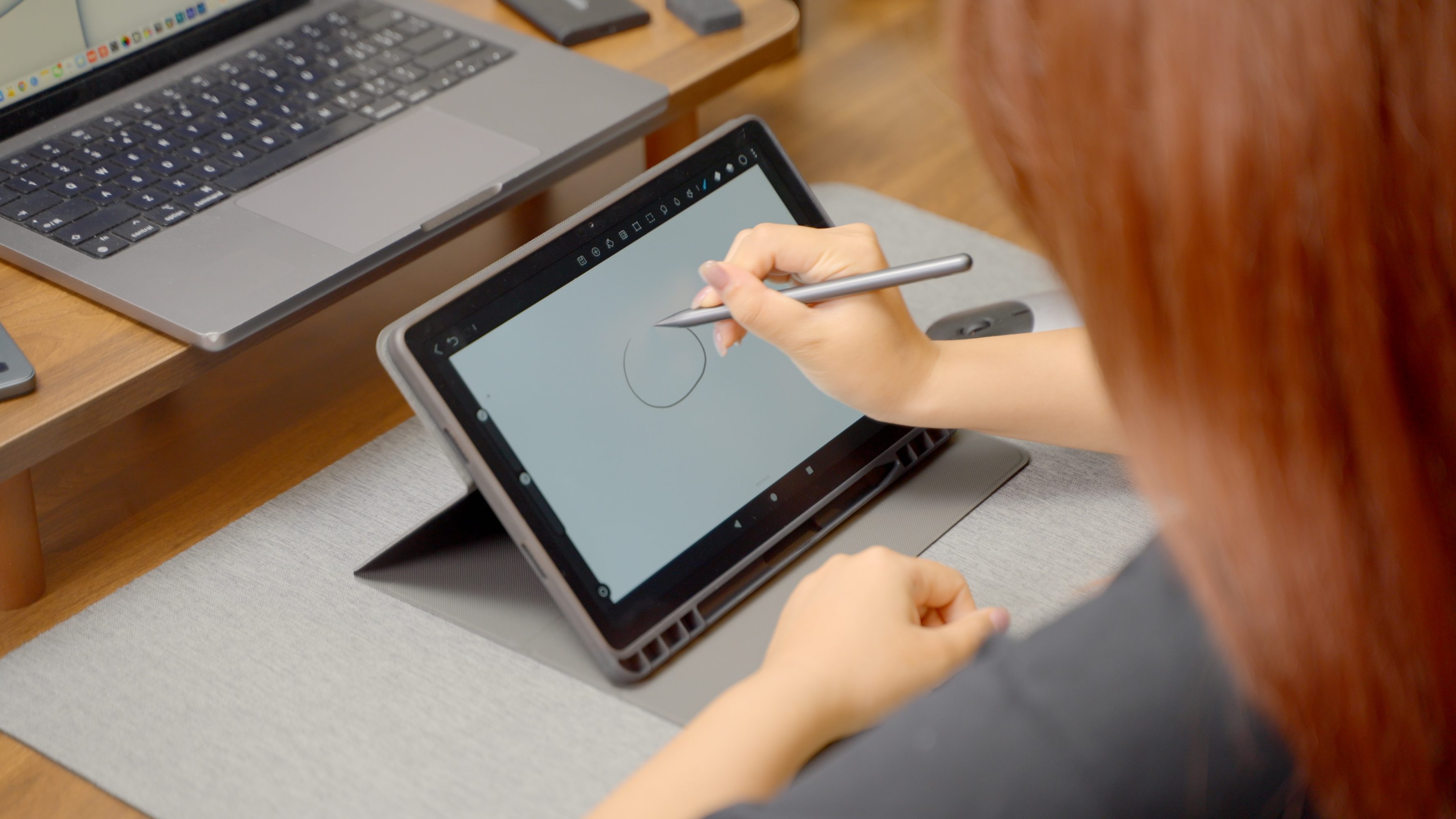
The Slate 11’s screen is laminated and anti-glare, which means you can actually use it outside without squinting like a vampire seeing daylight. The colors are vibrant, the lines are crisp, and the 90Hz refresh rate makes sketching buttery-smooth. Huion’s stylus tracks pressure and tilt with enough finesse to pull off delicate linework, textured shading, or whatever else your brain decides to turn into pixels.
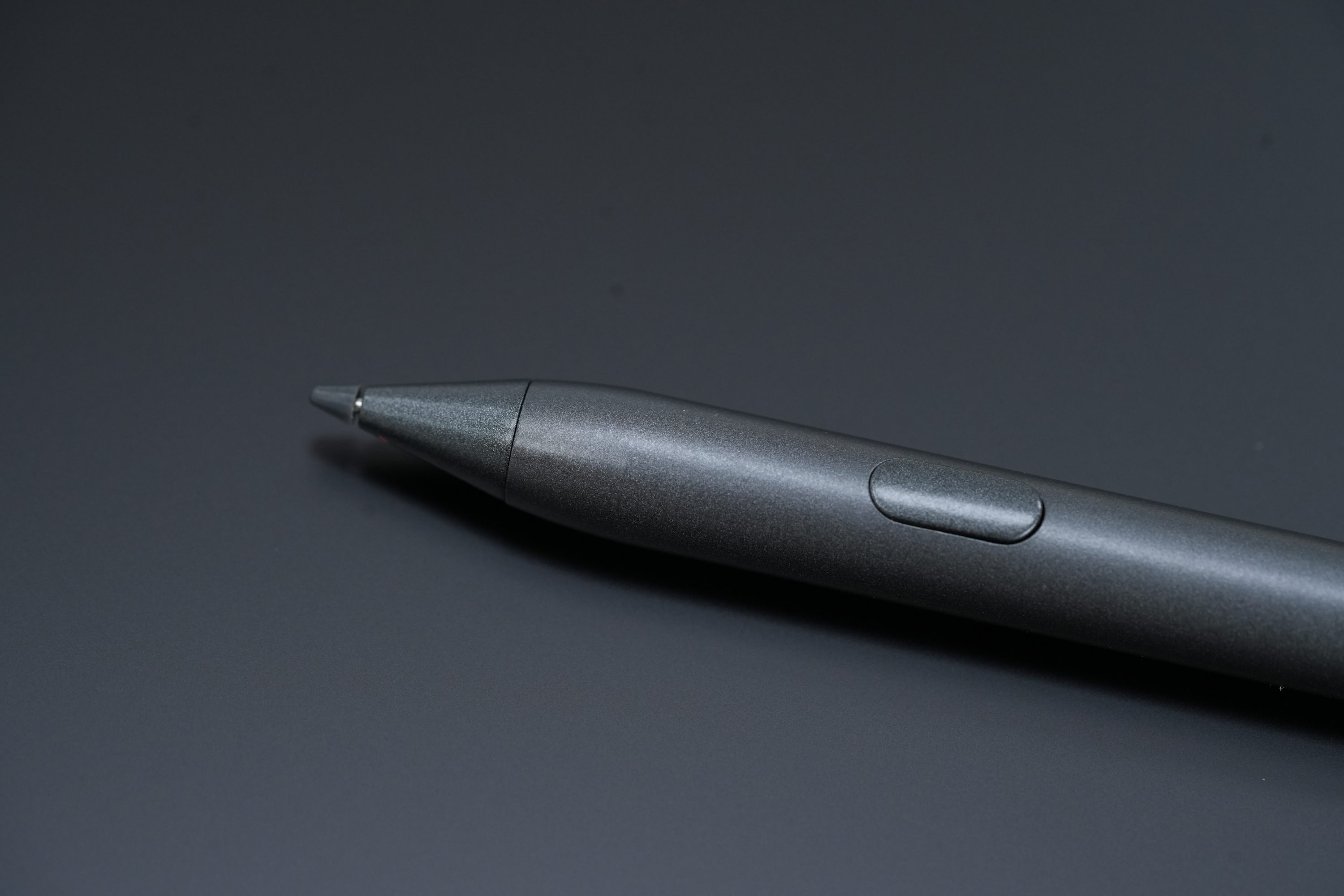
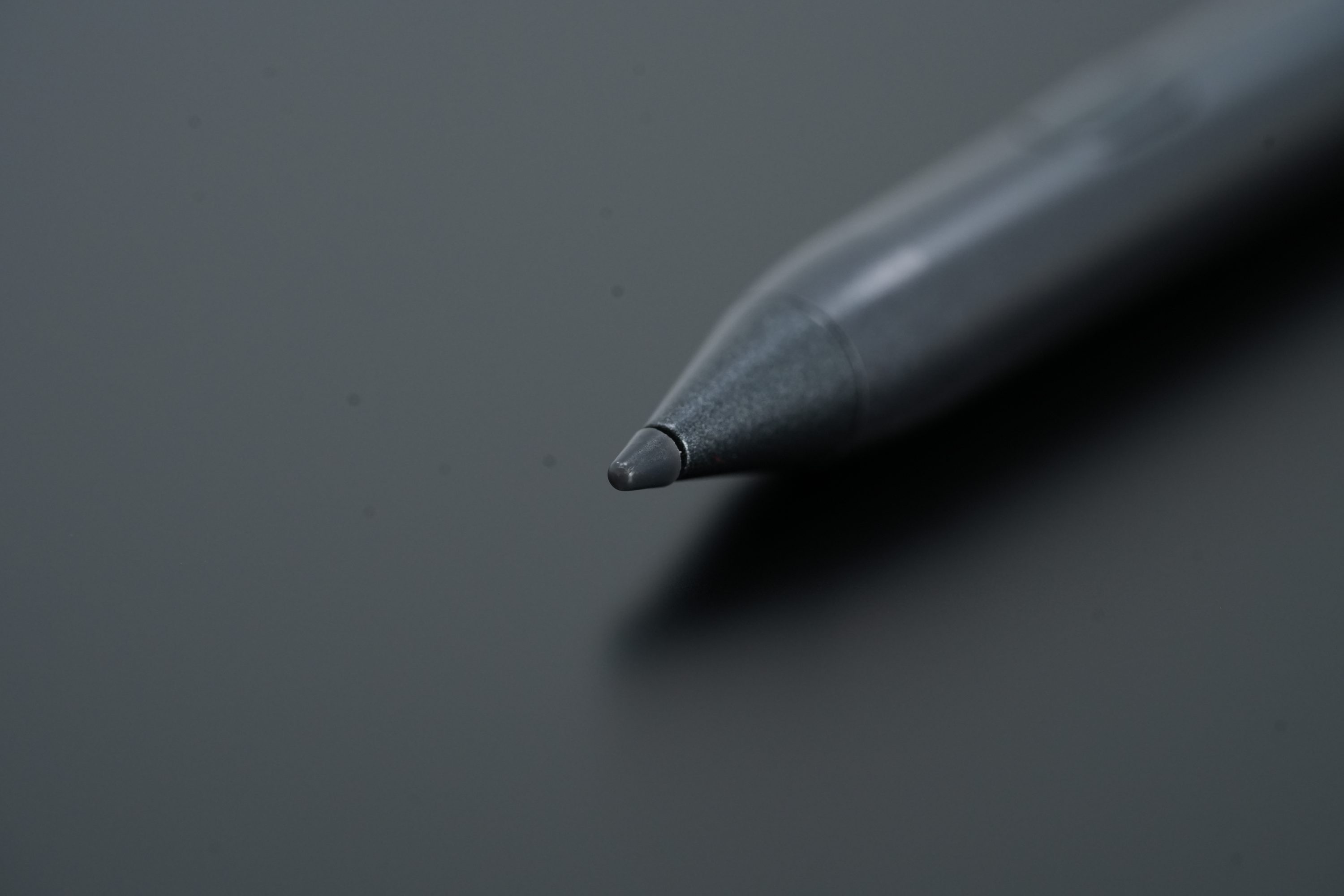
That said, the stylus has one annoying quirk: there’s a little button right near the pen tip that undoes your last stroke. I found myself accidentally triggering it more than once mid-painting, which is exactly as fun as it sounds. (Not very.) I’m hoping there’s a setting buried somewhere to remap or disable that, because the rest of the stylus experience is excellent.
Portability That Actually Means Something
This thing is light. Like, “I forgot it was in my tote bag” light. It’s a dream for outdoor painting sessions or travel days when lugging a laptop feels like a crime against your spine. And since it runs Android, you’re not tethered to a computer—you can open up Infinite Painter or your favorite app and get right to sketching. No cables, no setup. Just draw.
The battery claims to last around seven hours, but realistically it’s closer to five if you’re actively painting. That’s still more than enough for a full sketch session in a park or on a long train ride.
Double Duty Machine (But With a Twist)
One thing I didn’t expect? You can actually use the Kamvas Slate 11 as a display when you connect it to another pen tablet. That means if you already own a pen tablet without a screen, the Slate 11 can double as your drawing monitor. Back at my desk, I’ve used it this way, and it works surprisingly well. Then when I’m ready to go mobile, I just unplug everything and it’s back to being a standalone sketchpad. That kind of flexibility is rare, and for someone who loves bouncing between setups (read: me), it’s a huge plus.
What’s Great
- The Screen: It’s bright, colorful, and doesn’t glare in sunlight. That alone puts it ahead of most budget displays.
- The Stylus: Excellent sensitivity and tilt response, great for everything from loose doodles to fine detailing.
- True Portability: Lightweight, compact, and self-contained—no need for external hardware.
- Dual-Use Mode: Works standalone or connected to other devices setup.
- Expandable Storage: Up to 1TB via microSD means you can bring your whole portfolio along.
What’s Not
- That Undo Button: Why is it so easy to press? Why is it on the tip??
- 128GB Base Storage: Fills up fast if you’re working with high-res files.
- Battery Estimate Is… Generous: Expect closer to 5 hours than 7.
- Android App Limitations: Android still lags behind iOS and desktop when it comes to pro-grade art apps.
The Bottom Line
The Kamvas Slate 11 isn’t trying to be an iPad Pro killer. It’s trying to be your grab-and-go art studio—and in that regard, it totally nails the brief. It’s compact, powerful enough, and flexible in a way most tablets just aren’t. If you’re a digital artist who likes to draw outside the confines of a desk (or just hates carrying extra gear), this tablet might be your new best friend.
Minor annoyances aside, the Slate 11 is proof that Android drawing tablets can be more than just “budget alternatives.” They can be genuinely good.